
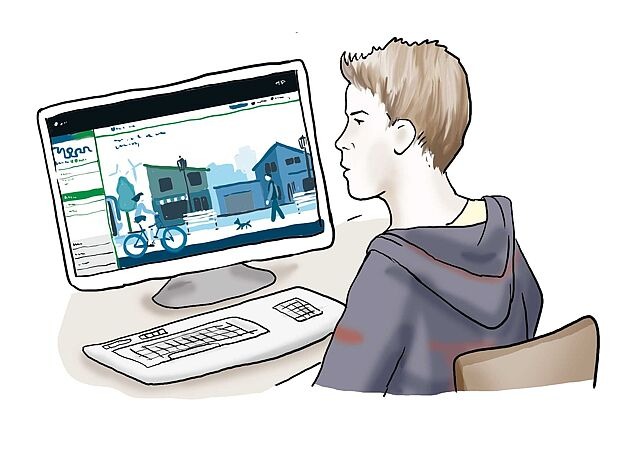
Stadt-Raum-Monitor is a website:
where people can judge their city.
Or the place:
Where they live or work.
On the site, people can judge:
How good the health promotion is in their place of residence.
And whether people feel comfortable in in their place of residence.
Health promotion includes, for example:
- There are many sports facilities in the area.
- Or there are many cycle paths.
- There are many doctors in the area.
People can say:
They like these things.
Or these things are not good.

People can have their say with the StadtRaumMonitor.
The cities and municipalities receive information:
Which things people think are good.
And what things need to be improved in these places
for health promotion
The StadtRaumMonitor helps:
So that cities and towns can be well planned.
Anyone can take part in the StadtRaumMonitor
to assess where they live.
The StadtRaumMonitor is free of charge.
Specialists from the local authorities
can also use the StadtRaumMonitor:
If they want to carry out surveys themselves.
How the StadtRaumMonitor works
People answer questions.
People then say:
They think things are good.
Or they think things are bad.
People give points.
If people like the things,
they get lots of points:
7 points is the highest rating.
If the things are bad,
people give few points:
1 point is the lowest rating.
The questions are on different topics.
For example:
- How clean is the neighbourhood
- Is the area a good place to shop
The questions belong to 4 different areas.
The areas are:
- Mobility
For example:
How easy is it to get around. - Public space
For example:
How clean is the neighbourhood. - Supply, work, housing
For example:
Is it easy to shop in the area. - Social interaction
For example:
Are there places where people can meet.
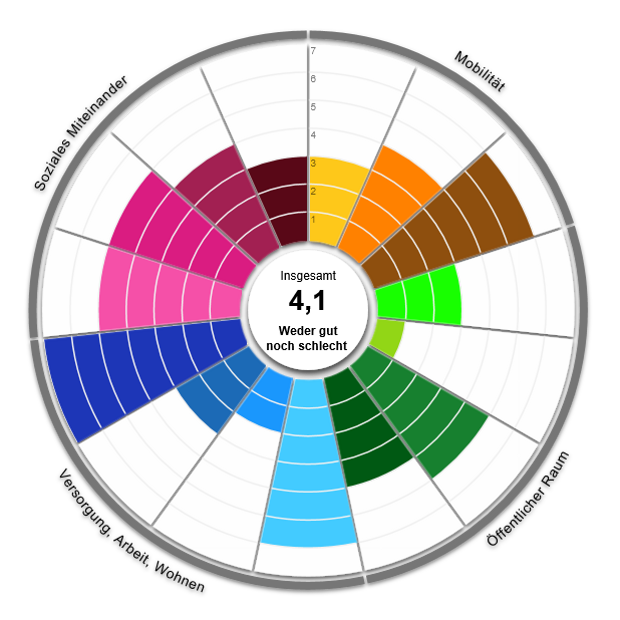
People receive an evaluation:
When they have answered all the questions.
The evaluation is a picture.
The picture shows a circle.
There is a grey ring around the circle.
The ring has 15 parts.
Each part represents an area of the survey.
There is a coloured area in each section.
Each area is for a specific topic.
When the area touches the ring:
People liked this area.
If much of the circle in the area has a white colour:
People thought this area was bad.

StadtRaumMonitor
Bundesinstitut für Öffentliche Gesundheit
produces the StadtRaumMonitor.
The BIÖG works together
with the Landesamt für Gesundheit und Arbeitsschutz Nordrhein-Westfalen
and theMinisterium für Soziales, Gesundheit und Integration Baden-Württemberg.
The StadtRaumMonitor has already been tested
with 4 German municipalities.
There was already a StadtRaumMonitor in Scotland, which is the model for the German StadtRaumMonitor.
Navigation
The topics of the website
You will find the topics of the StadtRaumMonitor on the website.
You have to go down on the website:
So that you can see the different things.
This is also called scrolling.
That's how you say it: scroll
You can also see all areas in the menu
at the top of the page.
There are these areas on the website:
- Background to the StadtRaumMonitor
- Locations
- Partners
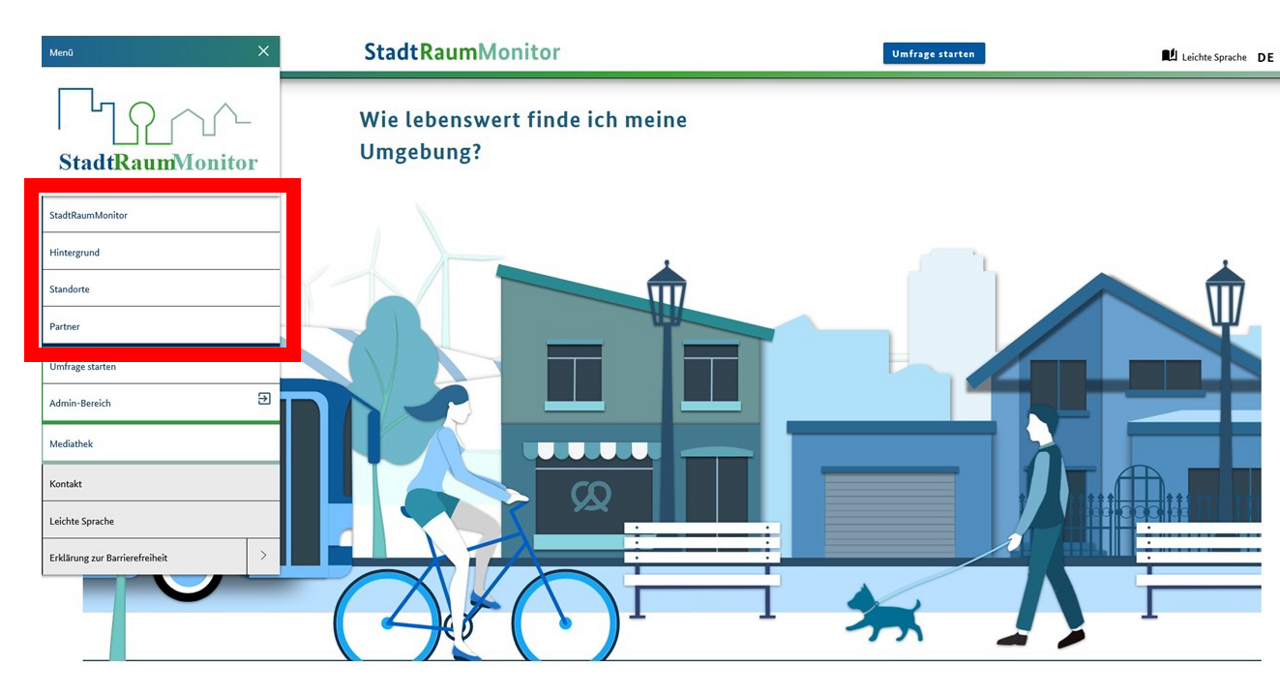
You must go further down the page:
to see all areas.
The sections are all below each other.
At the bottom of the page is the footer.
This is how you pronounce footer: Fuh ter
Footer is an English word.
The German word for it is Fußzeile.
The footer contains important information.
You can also use the menu.
You may not see the menu on your mobile phone.
But you will see 3 small lines.
The lines are at the top left-hand side.
You have to click on the 3 lines.
You will then see the menu on the left-hand side.
You will find this under Background to the StadtRaumMonitor:
- Explanation of the StadtRaumMonitor
- Who can use the StadtRaumMonitor
- What you can use the StadtRaumMonitor for
- A graph as an example of the results of the survey
You can find this at Locations:
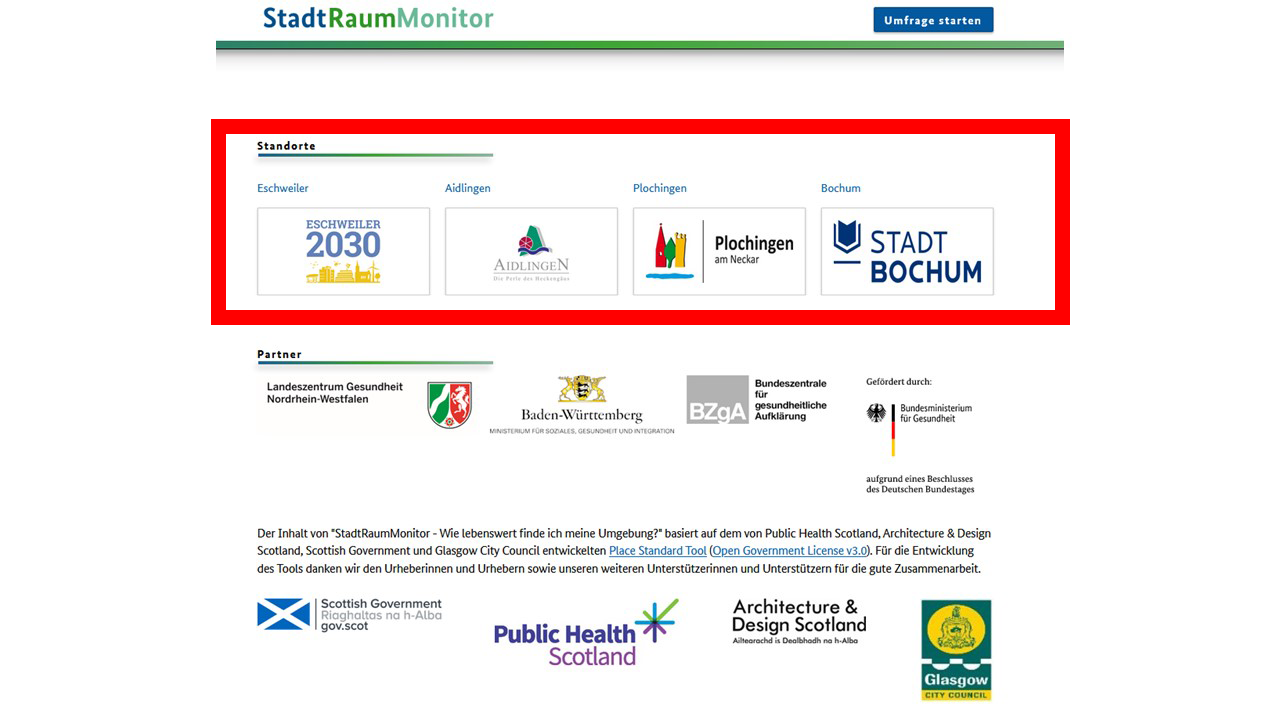

- A description of the locations:
Those who have already tried the StadtRaumMonitor.
And the contact details of the locations.
You can find this at Partner:
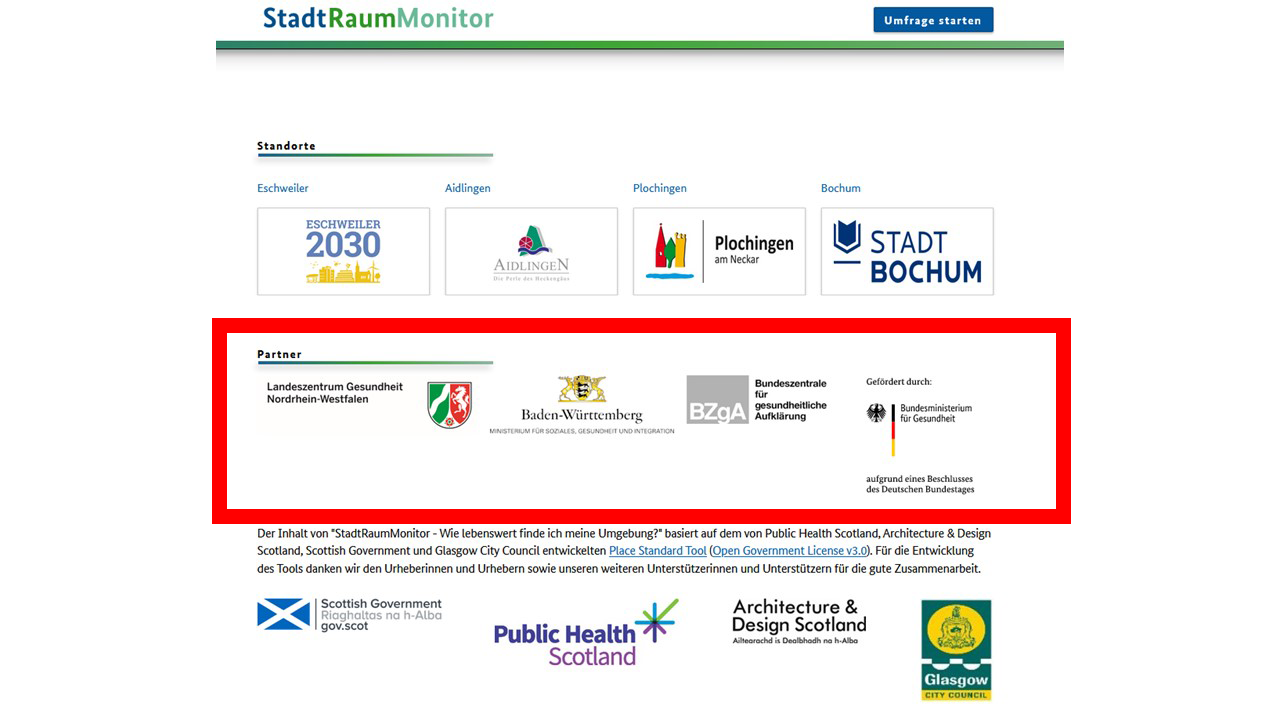
The partners with logo:
- Bundesinstitut für Öffentliche Gesundheit
- Landesamt für Gesundheit und Arbeitsschutz Nordrhein-Westfalen
- Ministerium für Soziales, Gesundheit und Integration Baden-Württemberg
- Bundesministerium für Gesundheit
- Information about the first StadtRaumMonitor in Scotland
You can find this in the footer:
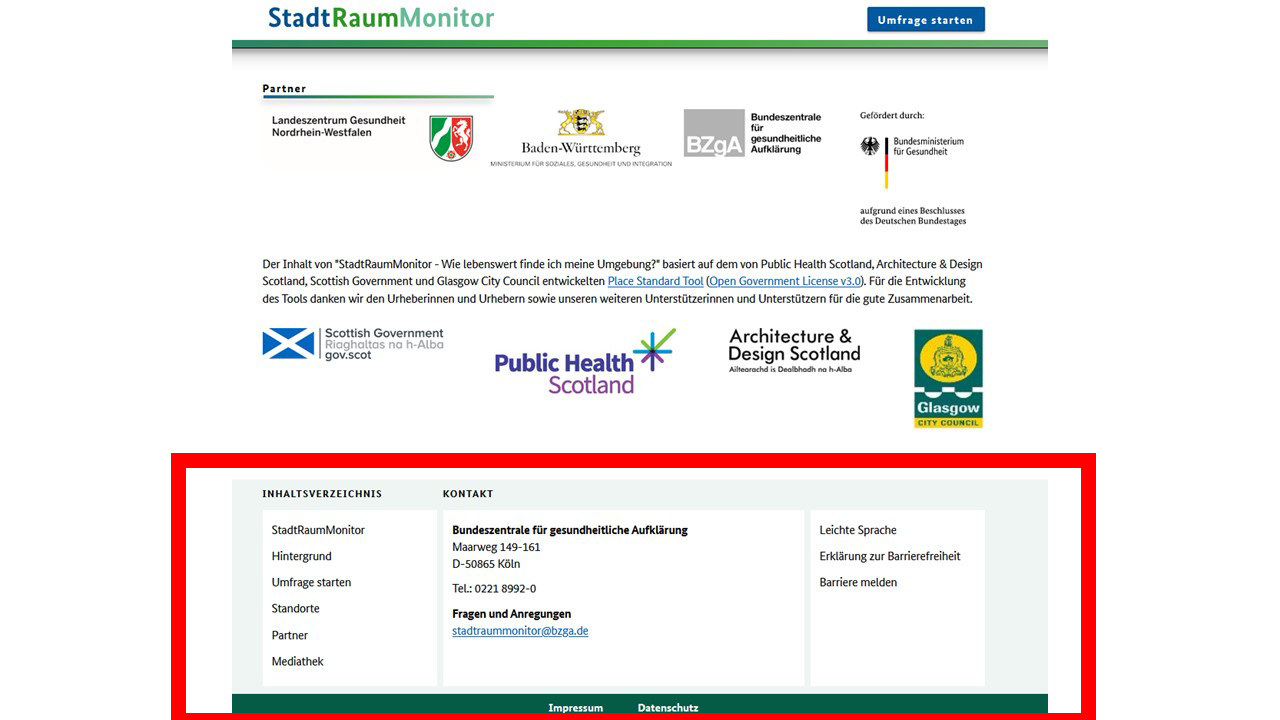
- A list of menu items
- The contact details of StadtRaumMonitor
- Links to information on accessibility and plain language
- Imprint
You can read in the imprint:
Who made the site.
And who is responsible for the website - The data protection declaration from the BIÖG
The menu
You can use the menu to access all areas
from the website.
You may not see the menu on your cell phone.
But you will see 3 small lines.
The lines are at the top on the left-hand side.
You have to click on the 3 lines.
You will then see the menu on the left-hand side.
The word Menu is above the area.
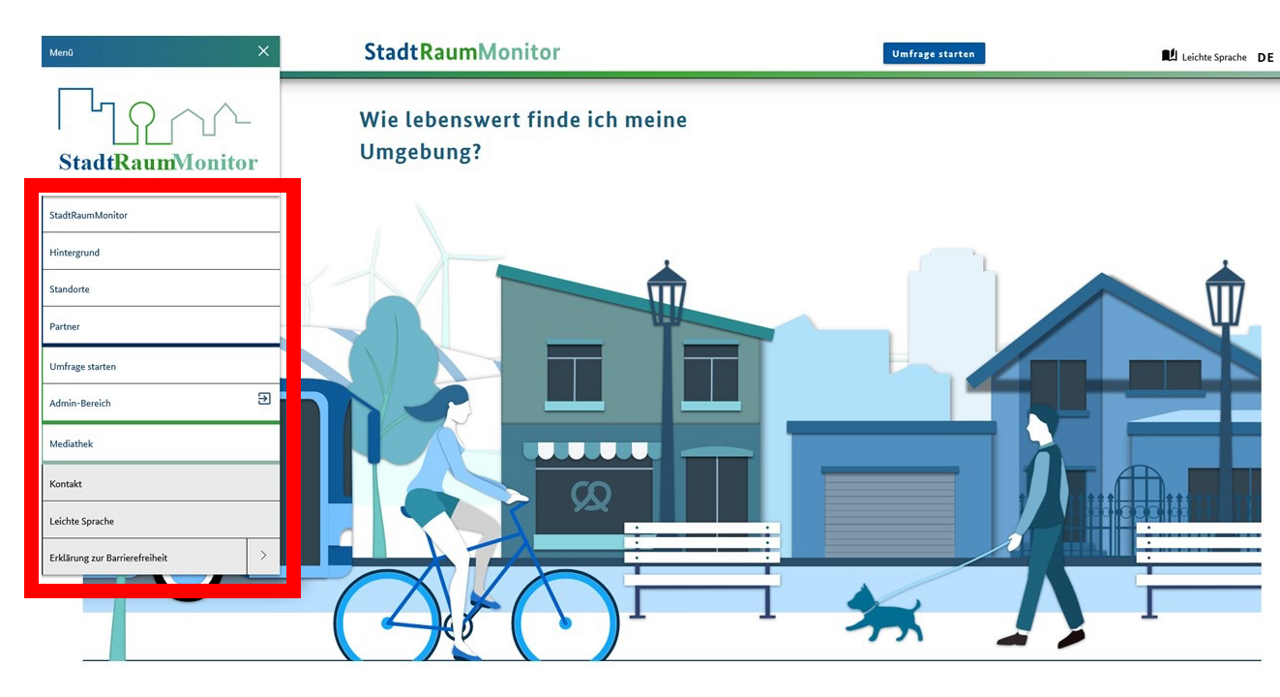
The subpages of StadtRaumMonitor
The StadtRaumMonitor site has several subpages.
The subpages are for special things:
You can do on the website.
You can click on the subpages in the menu.
These subpages are available:
- Start survey
- Admin area
- Media centre
- Contact us
- Simple language
- Declaration on accessibility
You can now read explanations for all subpages.
You will find this at Start survey:
The survey starts on the subpage.
You can take the survey on your own.
Sometimes the surveys are also for groups.
You need an invitation from the group.
You can find this at Admin area
The administrator can log in here on the website.
The administrator can then do various things.
For example:
- Create and manage surveys
- Invite participants
- Check and analyse results and data.
What you will find at Mediathek
That's how you say it: media tek
There are lots of things to download
on the Mediathek website.
These things help people to use the StadtRaumMonitor.
Or that people can make a StadtRaumMonitor
for their own city.
Or that people get more information about the StadtRaumMonitor
from other places.
The information is in plain language.
Under Contact you can find
the contact details of the StadtRaumMonitor.
At Simple language you can find
a text in plain language
about the content and navigation of the website.
You can find this at Declaration on accessibility:
- Declaration on accessibility
- Option:
to report barriers
At the top of the website
You can click on various things
at the top of the website.
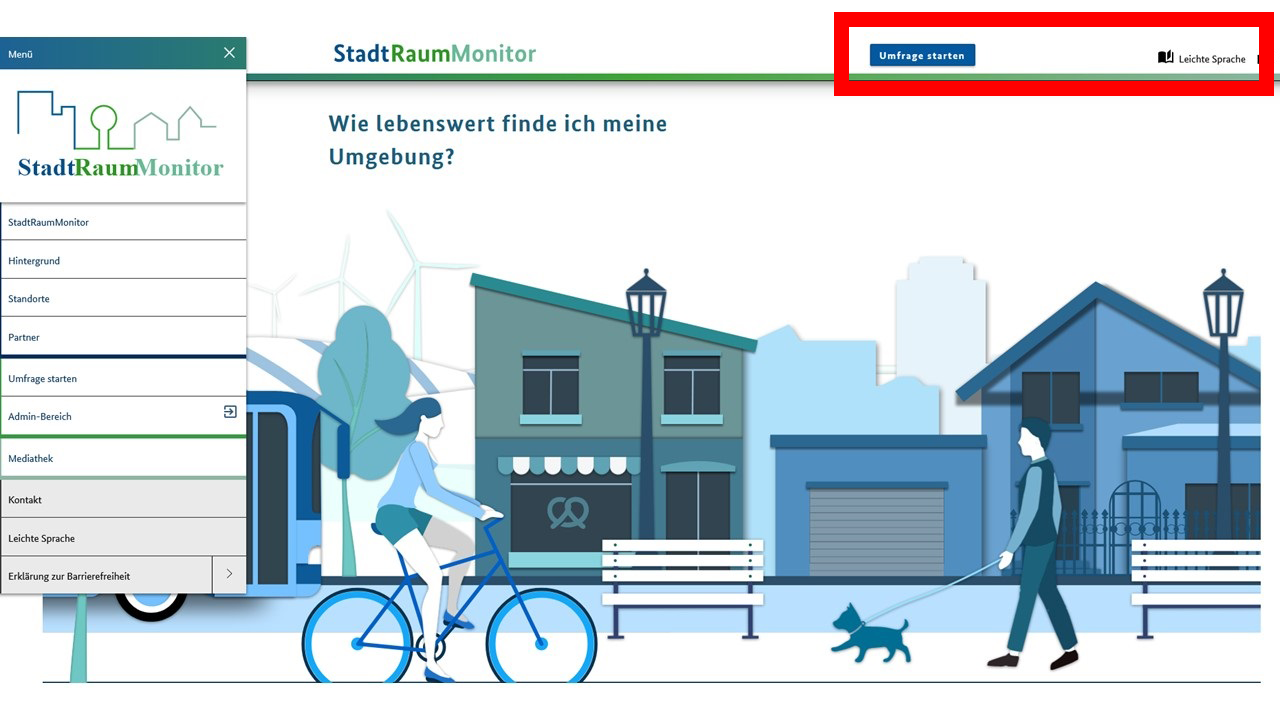
You can click:
- Start survey
Then you can rate your place of residence. - Simple language
You can then read a text in simple language
about the content and navigation of the website.
Who made the text in plain language
The Office for Easy Language Cologne produced the text.
Kirsten Scholz wrote the text.
And painted the pictures.
Dirk Stauber checked the text for plain language.